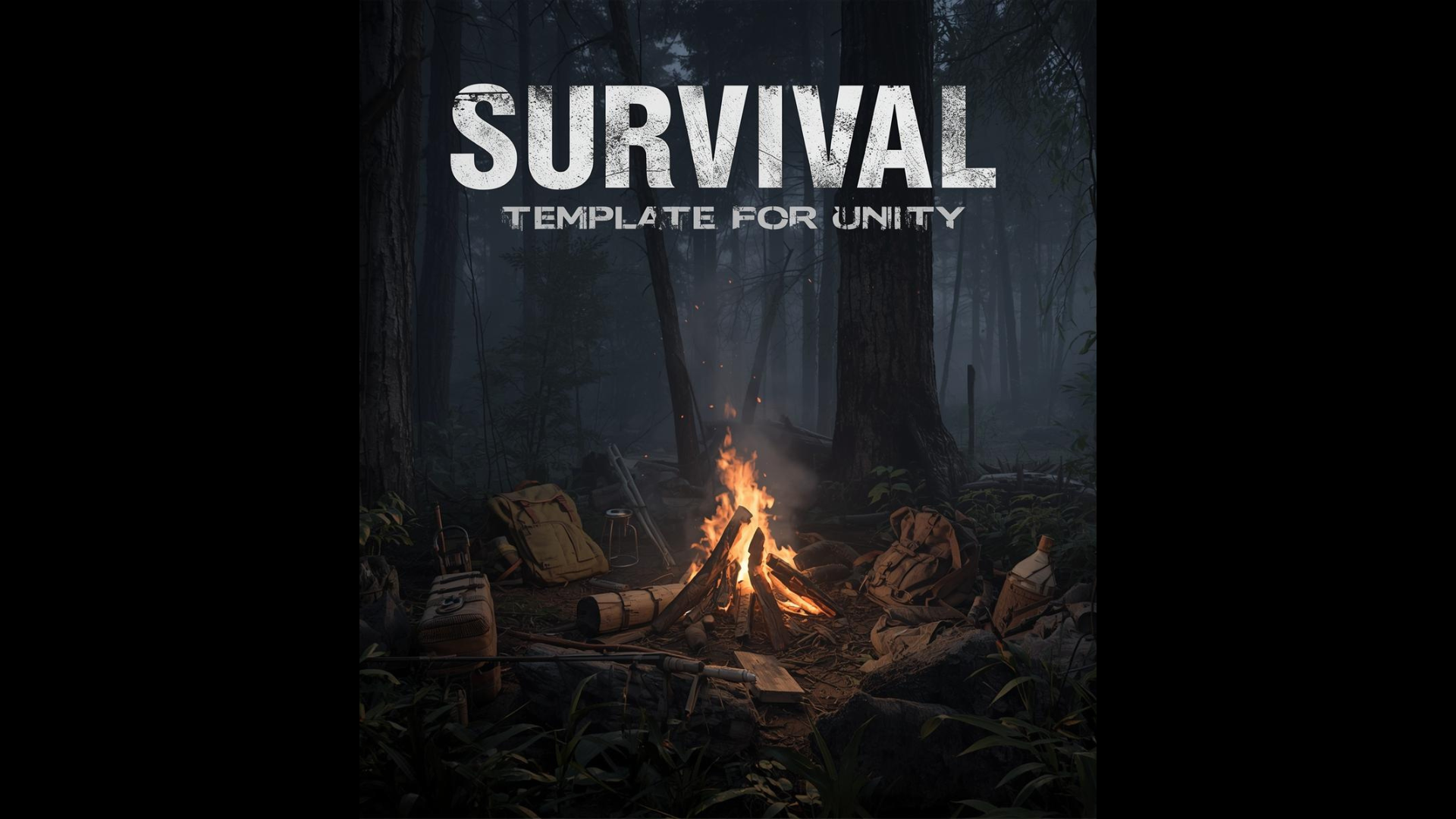
Sample Survival template for Unity
A downloadable asset pack
+++++++++++++++++++++++++++++++++++++++++++++
FPS Survival Template (Unity)
A clean and modular First-Person Survival Template made in Unity, designed for learning, prototyping, and indie game development.
Simple to understand, easy to expand.
+++++++++++++++++++++++++++++++++++++++++++++
Features
Player
First-person movement
Mouse look camera
Crosshair aiming system
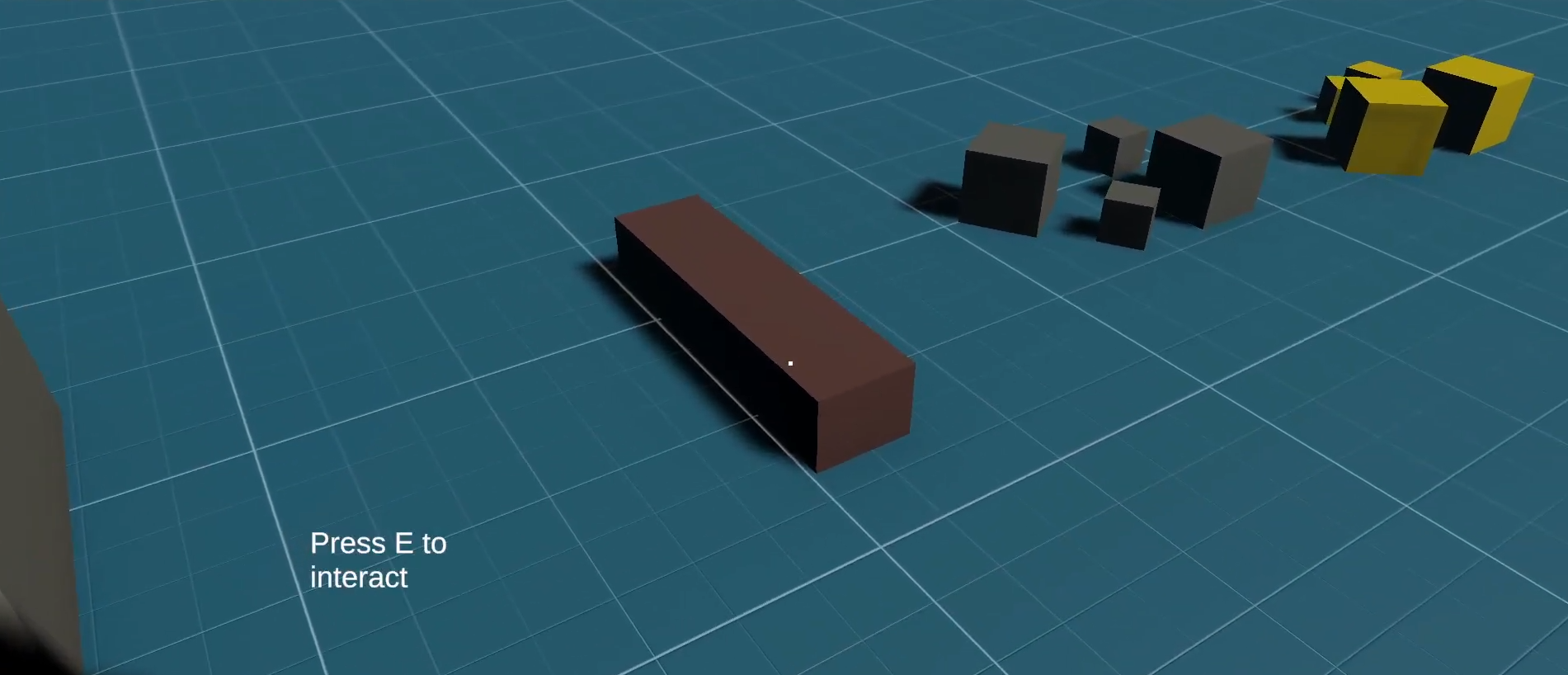
Raycast-based interaction
Interaction System
Raycast interaction detection
Objects identified by Tags
UI feedback showing the object tag name
Modular base system for expansion (doors, NPCs, items, etc.)
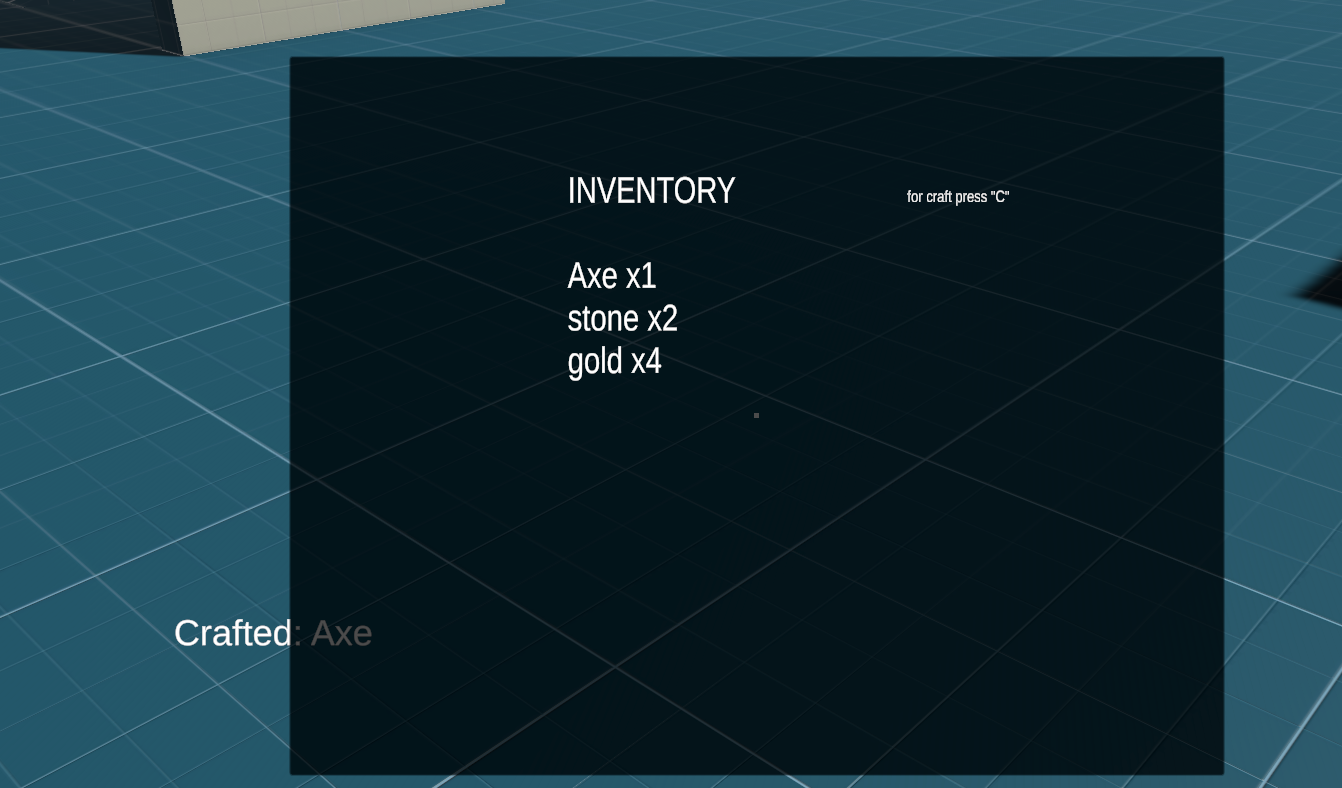
Inventory System
Simple inventory and craft based on Tags
Add items when collecting
Remove items
Open/close inventory with 'TAB'
craft item with 'C'
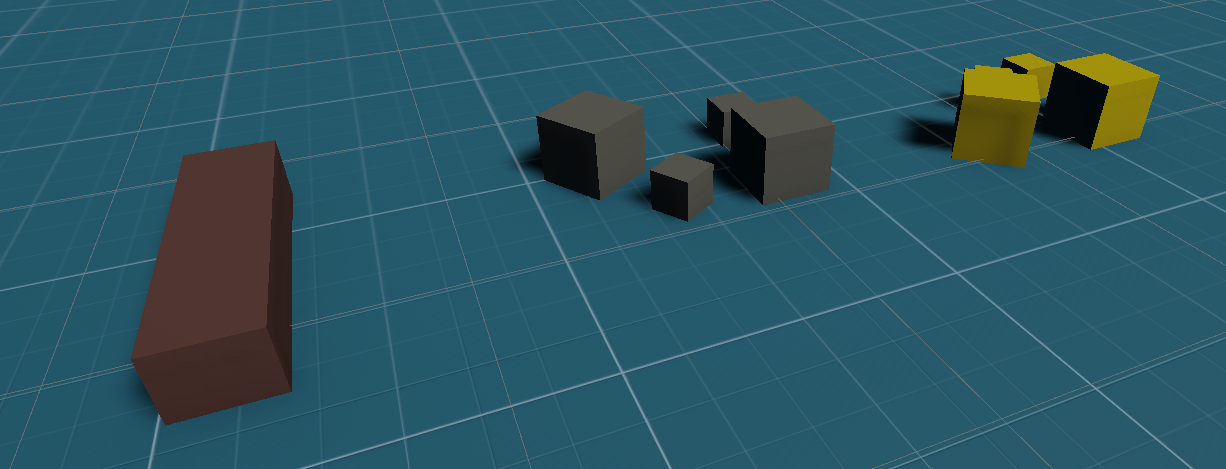
Collectables
Collectable system using Tags
Configurable item amount
Visual feedback on collection
Easy integration with the inventory
+++++++++++++++++++++++++++++++++++++++++++++
How to Install
Extract the ZIP
Open Unity Hub
Click on Open
Select the folder
Done
+++++++++++++++++++++++++++++++++++++++++++++
How to Use
First, go to Assets > SurvivalScene and open Playground,
If you make new scene move the Interactor script located in Assets > SurvivalTemplate > Scripts > Interaction > Interactor.cs to maincamera for player,
for all Interact scripts to funtion corretaly.
If you are going to create a new scene, I recommend duplicating the scene that is in Assets > SurvivalScene
If you're not going to create a new scene, you don't need to
Creating a Collectable Item
Create a GameObject
Assign a Tag (example: Wood)
Add the Collectable script located in Assets > SurvivalTemplate > Scripts > Interaction > Colletable.cs
Set the amount
Done
+++++++++++++++++++++++++++++++++++++++++++++
Creating an Interactable Object
Create a GameObject
Create a Tag name
Assign a Tag
Assign a layer to InteracLayer
Add the Interactable script located in Assets > SurvivalTemplate > Scripts > Interaction > Interactable.cs
The interaction UI will display the tag name
+++++++++++++++++++++++++++++++++++++++++++++
Creating Craftable Items
Using the CraftingManager object located in Assets > SurvivalTemplate > Prefabs > Craft,
you can create your own recipes to craft your items.
In Result Item, enter the tag of the item you want to create;
in Result Amount, enter the quantity of items you will manufacture;
in Required Items tag, enter which resources you will need, "enter their Tag";
in Required Amounts, enter the quantity of each resource.
This opens up a wide range of opportunities for item creation.
Imagination is the limit!
+++++++++++++++++++++++++++++++++++++++++++++
Included Version
v1.0 – Core Gameplay Systems
Interaction
Inventory
Craft
Collectables
UI
Crosshair
+++++++++++++++++++++++++++++++++++++++++++++
License
This template can be used for:
Learning purposes
Personal projects
Commercial games
+++++++++++++++++++++++++++++++++++++++++++++
Author
Developed by Renan
Unity Developer | C#
+++++++++++++++++++++++++++++++++++++++++++++
Download
Click download now to get access to the following files:
Leave a comment
Log in with itch.io to leave a comment.